Case study
Enaia on a phone
Enaia is a CRM for commercial real estate brokers. Until summer 2026 it had fixed layouts, completely unusable on a phone. Between June and October 2026 we made it responsive and shipped a native iOS app around it.
I owned the design direction for mobile, and designed and built the responsive web layer myself. Below is every navigation variant we considered, with the reasoning and the usage data behind it.
Starting point
98% of sessions were on desktop, in an industry where work away from the desk is very common. Many sessions were brief on-the-go tasks: a reminder, a contact, a note.
So responsive web came first, then a native Swift shell around the web views, chosen over React Native for the native navigation.
Desktop usage
Five sections on desktop, used very unequally. Prospects is the product. Search, reminders and the account menu are used far less than they look.

The tab bar
Five sections fit five tab slots. Then search and reminders asked for more room, and something had to give.

In hindsight, this is where we should have started.
- Zero structure changes
- Shippable immediately
- Carries over the weaknesses of the desktop app
 →
→

Native navigation was one of the reasons to go native. A custom bar throws that away.
- Every section stays reachable
- Against the HIG
- Hides sections like a hamburger menu

The Facebook pattern. Still bad, people are just used to it.
- Every section keeps a tab
- Requires a custom component
- Six labels don't fit

The iOS 26 search tab sits apart, so four section slots remain. Much of Accounts use was typing a name to find one account.
- Account pages open from Prospects 3x more often
- Inactive accounts only reachable via search

Clients is the same account record at a later stage, and the board already has a Clients column.
- Clients is in only 5% of sessions
- Different workflow than prospecting
Search
Real search use on desktop is about 8% of sessions, and typing on a phone is slow. I wasn't convinced more prominent search solves the real need: getting to one account fast.

A discovery page first, the keyboard only after a tap.
- Recent items without typing
- Takes a tab slot
 →
→

Straight into typing, and closing returns to the previous tab.
- One tap to typing
- Typing on a phone is slow
Today
Reminders reach 47% of users monthly and were the strongest reason to open the app on a phone. So they became the first screen.

Shipped in September and October 2026. No need to find an account to see what's due.
- Reminders on the first screen
- Clients has no direct entry point

The account menu is in under 3% of sessions, Teams in 4%. Combining them frees a tab for Clients.
- Both used infrequently
- Needs a combined screen
Accounts, Prospects and Clients are one record
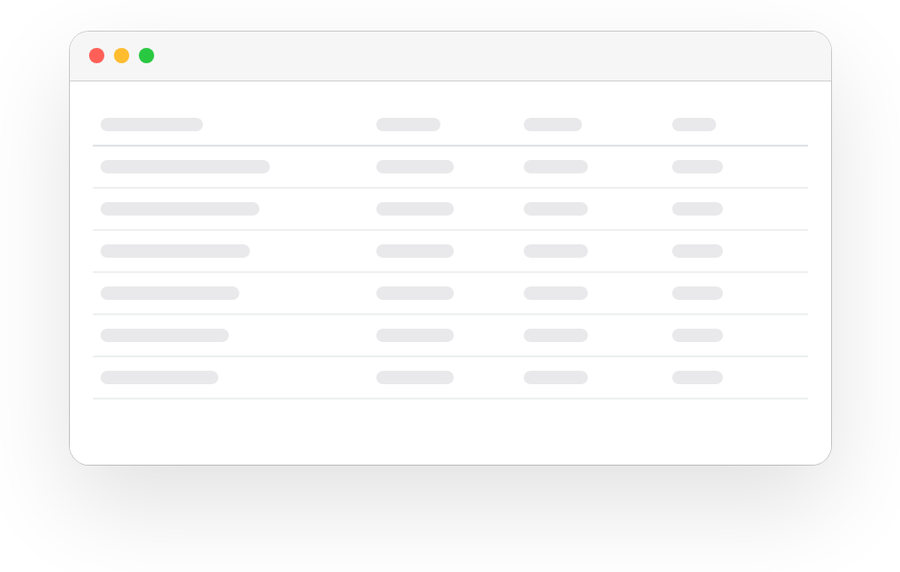
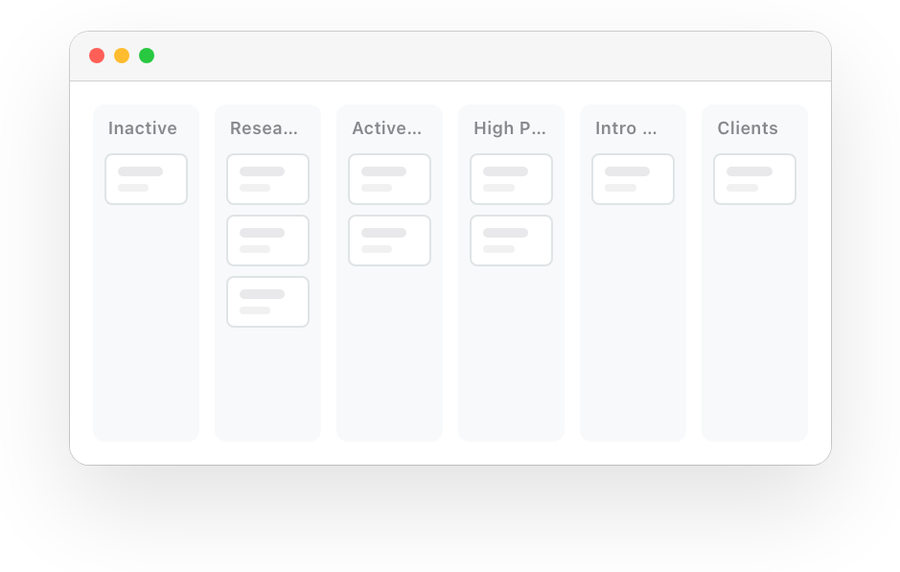
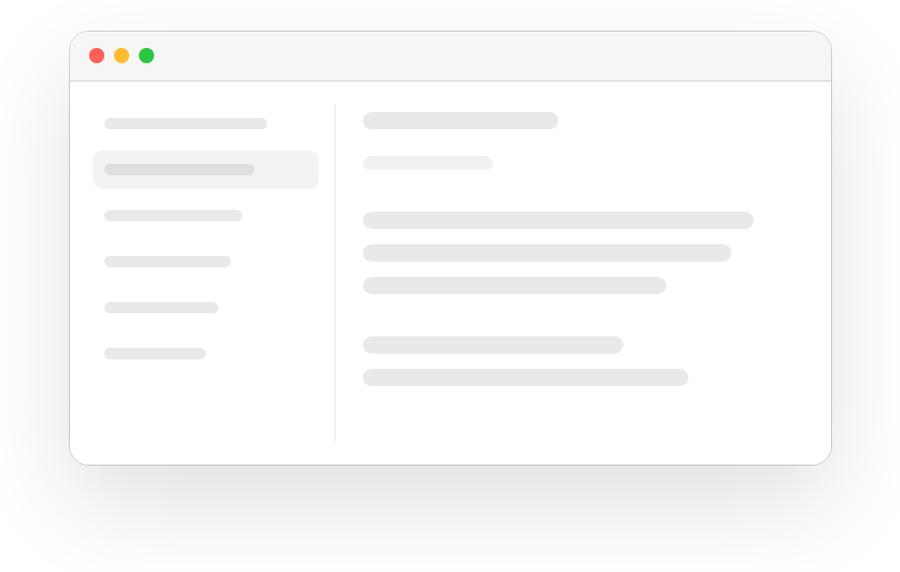
In the database they are one entity with a stage. Desktop shows the stages as a table, a board and a list.

 →
→

One tab replaces three sections. A menu in the title picks which stages are shown.
- Any stage change is one drag
- Standard system menu
- Seven columns to swipe
In hindsight
We over-engineered the app structure too early. A0 first, then Today and the rest as product-wide decisions, tested with a beta and real data.